
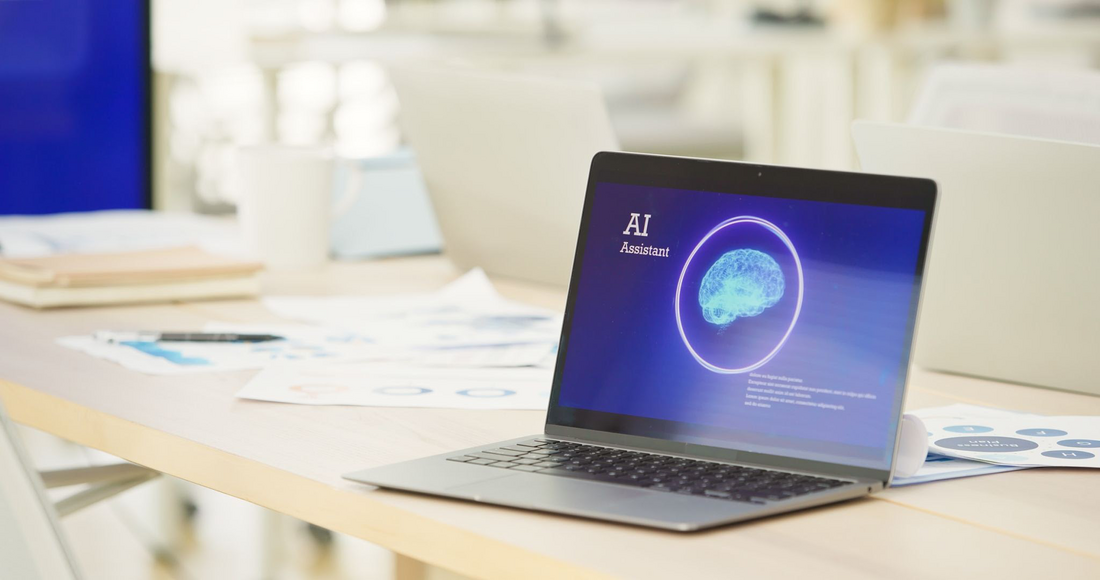
If you’ve been following tech news this year, you’ve probably noticed a major shift. The conversation around Artificial Intelligence has moved away from standalone chatbots and flashy experiments. Instead, 2026 is the year of "Everyday AI."
What does this mean for you? It means AI is quietly becoming a built-in feature of the tools you already use every single day. From your email inbox sorting priorities to your word processor suggesting entire paragraphs, these smart features are designed to run in the background to save you time. But as this technology integrates deeper into our daily routines, it brings up an important question: Who is looking at your data?
Here is what you need to know about the new era of Everyday AI, and how to keep your personal information secure.
Local vs. Cloud Processing: The Privacy Game-ChangerIn the past, using AI meant your data had to be sent to a massive cloud server, processed, and then sent back to your computer. For anyone concerned about privacy, sending personal emails or financial spreadsheets to the cloud was a valid security concern.
However, the latest consumer tech trend is the rise of the AI PC. Modern computers released this year feature specialized processors (called NPUs) designed to handle these smart tasks locally. This means the AI features in your everyday software can process your data directly on your device—without ever sending your sensitive information over the internet.
What Should You Do Right Now? To safely take advantage of these new tools without compromising your security, we recommend a few quick check-ups:
Don't let the rapid pace of new technology overwhelm you. We are here to help bring "Zen" back to your tech world. Whether you need help auditing your current system's security, turning off invasive data-sharing features, or upgrading to a modern, secure PC, contact GoGo-Zen today!
What does this mean for you? It means AI is quietly becoming a built-in feature of the tools you already use every single day. From your email inbox sorting priorities to your word processor suggesting entire paragraphs, these smart features are designed to run in the background to save you time. But as this technology integrates deeper into our daily routines, it brings up an important question: Who is looking at your data?
Here is what you need to know about the new era of Everyday AI, and how to keep your personal information secure.
Local vs. Cloud Processing: The Privacy Game-ChangerIn the past, using AI meant your data had to be sent to a massive cloud server, processed, and then sent back to your computer. For anyone concerned about privacy, sending personal emails or financial spreadsheets to the cloud was a valid security concern.
However, the latest consumer tech trend is the rise of the AI PC. Modern computers released this year feature specialized processors (called NPUs) designed to handle these smart tasks locally. This means the AI features in your everyday software can process your data directly on your device—without ever sending your sensitive information over the internet.
What Should You Do Right Now? To safely take advantage of these new tools without compromising your security, we recommend a few quick check-ups:
- Review App Permissions: Take a moment to check the privacy settings on your most-used apps. Ensure that any AI features are set to process locally if the option is available, and verify that you haven't unknowingly opted into sharing your data to "train" cloud models.
- Evaluate Your Hardware: Now that Windows 10 support has officially ended (as of last October), running older hardware isn't just a performance issue—it's a security risk. If you are still running an older machine, upgrading to a modern Windows 11 PC will not only secure your system but will also give you the hardware necessary to run local, privacy-first AI features.
- Stay Skeptical of Scams: As everyday tools get smarter, so do phishing emails and scams. Always double-check unexpected requests for personal information, even if they look highly personalized or professional.
Don't let the rapid pace of new technology overwhelm you. We are here to help bring "Zen" back to your tech world. Whether you need help auditing your current system's security, turning off invasive data-sharing features, or upgrading to a modern, secure PC, contact GoGo-Zen today!
 RSS Feed